Data migration services for warehouses, lakehouses and BI tools, validated before cutover

Data migration services that prove the new platform matches the old one before anything is switched off, with a way back on cutover day.

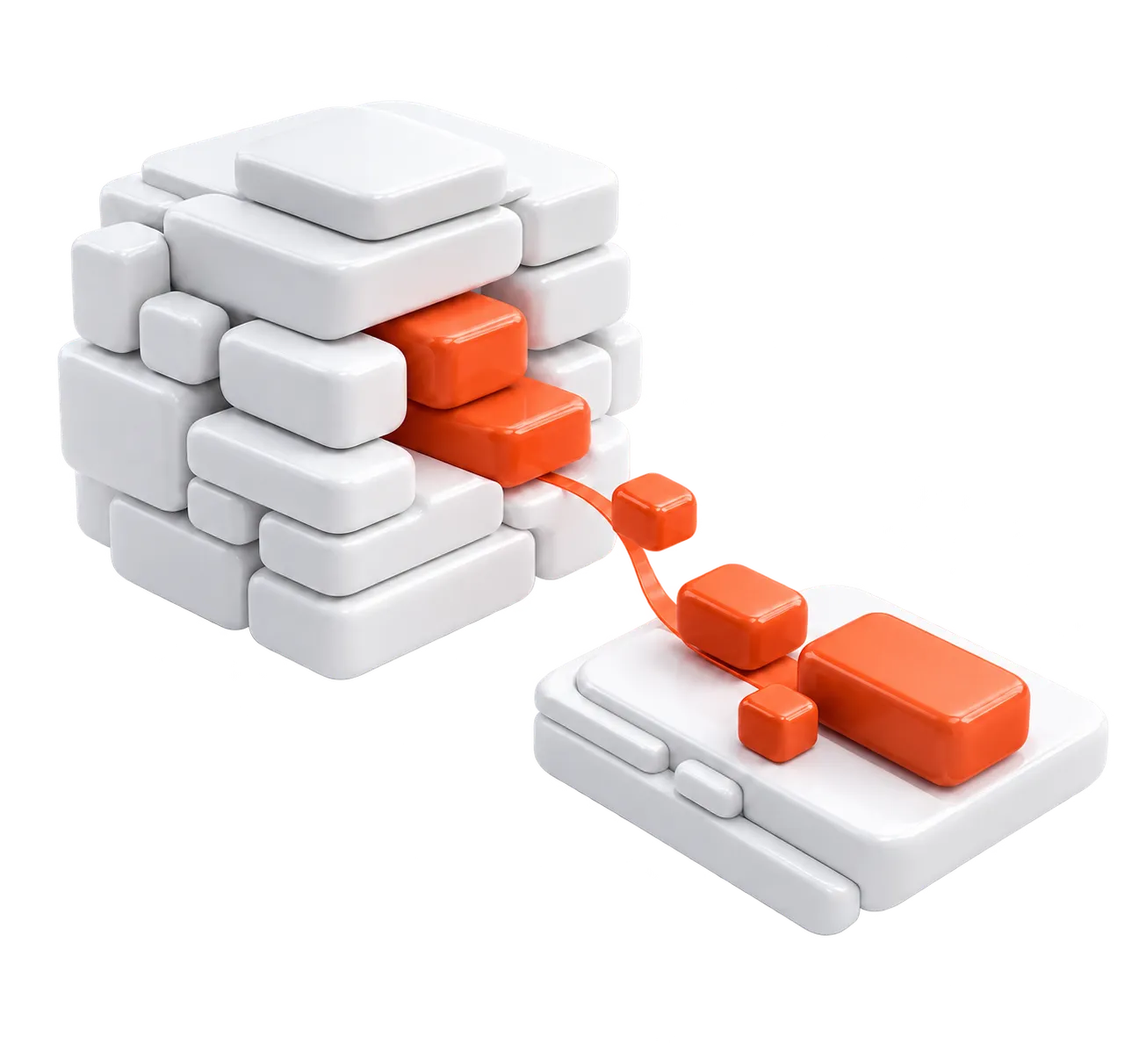
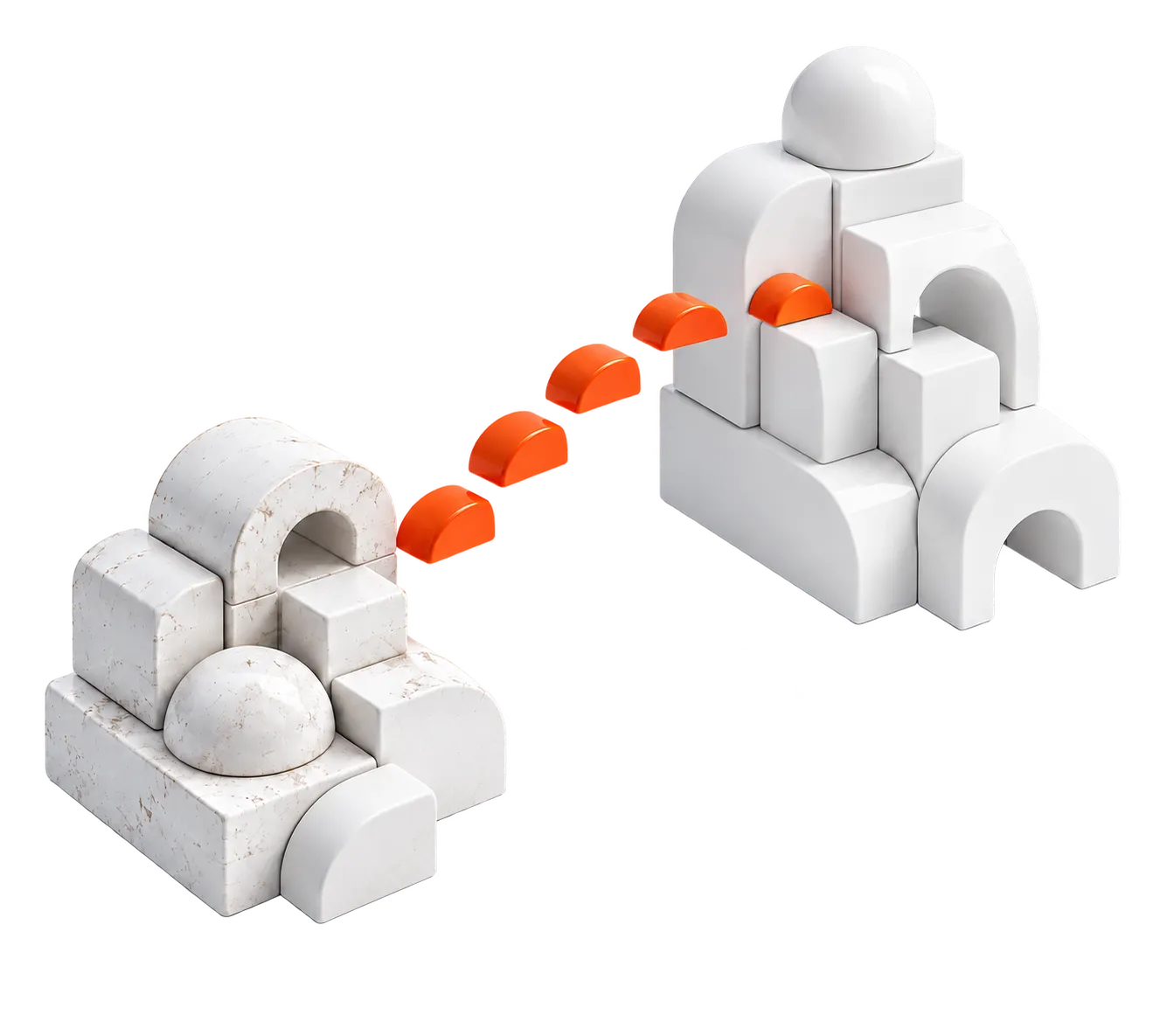
Abstract 3D illustration of data blocks moving along an orange path from an old warehouse to a new oneAbstract 3D illustration of data blocks moving along an orange path from an old warehouse to a new one

WHAT IT COVERS

What a data migration covers, and where it stops

A data migration moves data, schemas and databases from one platform to another, then proves the new system gives the same answers as the old one before that one is switched off. It covers warehouses, lakehouses, operational databases and BI tools. Copying is the easy part. Proving the copy is right takes most of the effort.

This page is about the data itself, meaning tables, schemas, history and the reports that read them, and the data engineering and migration work that moves them. If the task is moving the workload to the cloud, applications and servers included, it has a page of its own, and ERP systems aren't covered here. Common targets are a cloud data warehouse, a lakehouse or a newer setup of the platform you already run.

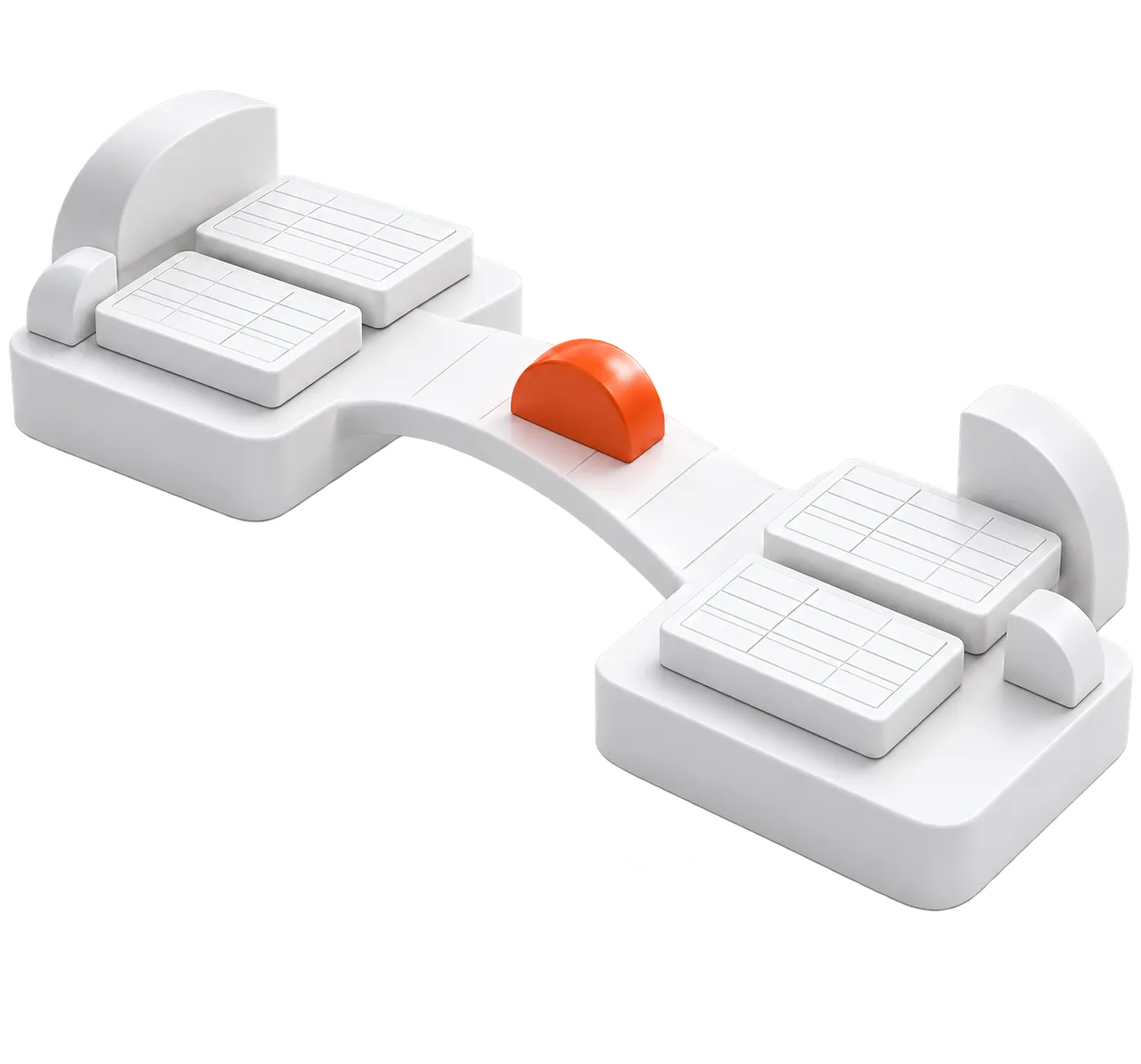
Abstract 3D illustration of tables and schemas moving from one data platform to another, with a check mark between themAbstract 3D illustration of tables and schemas moving from one data platform to another, with a check mark between them

VALIDATION

How do you prove a migration is correct?

A migration is correct when both systems agree on every figure, and you can see the proof. Done properly, old and new run in parallel and the counts, checksums and totals are reconciled before anyone sets a cutover date. Each of the four checks catches a fault the others miss.

The cutover is its own decision. A big bang moves everything in one window. A phased cutover moves sources in waves, each checked on its own. CDC keeps the new system current until the switch. Volume, and how long the business can stop writing, decide which fits.

Row counts and checksums

Counts find rows that went missing. Checksums find values that changed on the way, a truncated decimal or a shifted timestamp, which a count never sees.

Reconcile both per partition, by day or by load, so a mismatch narrows to one slice of history.

Referential integrity checks

Keys still have to join on the new side, every order to its customer and every line to its order. Orphaned rows found at this stage are cheap to fix. Found in a report, they cost a meeting.

Business rules and totals

Revenue, counts and balances should match old and new to the cent. When they don't, the cause is often a rule rewritten slightly wrong on the way, such as currency conversion or status logic.

It is the check your finance team will run anyway.

Parallel run before cutover

Old and new take the same inputs side by side, and the outputs are reconciled before the switch. It is the last check, and the one that tells you the old system can go.

PROCESS

How a migration runs, step by step

Each step decides what the next one has to check, so skipping one moves its risk to cutover day. None of them is optional on a small move. If the target doesn't exist yet, designing the target warehouse comes first.

  1. STEP 1

    Assessment

    We map sources, volumes, schemas and dependencies, and list every report and job that reads the data. A report nobody listed is the one that breaks after the switch.

  2. STEP 2

    Source-to-target mapping

    Each source field gets a target field, a data type and a transformation rule, including schema conversion where the platforms differ. We also agree which sources move first.

  3. STEP 3

    Loads, conversion and validation

    The converted code, procedures and jobs load the history first, then the incremental changes that keep it current. Each load should pass the four checks before cutover gets a date.

  4. STEP 4

    Cutover with a way back

    The old system stays live until the new one passes, with a way back if the switch fails.

MIGRATION TYPES

The moves we take on, and what each one hides

Warehouse to warehouse

An on-premises warehouse moves to a cloud data warehouse such as Amazon Redshift or Snowflake, or onto a new cluster on the platform you already run. The traps are the SQL dialect, data types, stored procedures that need rewriting and the historic loads. A like-for-like move is easier to prove, so remodel on the way only the tables your reports already struggle with.

Hadoop or a legacy warehouse to a lakehouse

This move leaves a Hadoop cluster or an older warehouse, such as Teradata, Oracle or SQL Server, for a lakehouse. Hive tables and Hadoop files become open-format tables, Delta Lake on Databricks or Iceberg elsewhere, jobs are often rewritten in Spark, and pipelines are rebuilt with dbt for transformation and Airflow for scheduling. On Databricks, our engineers set up catalogs, permissions and lineage in Unity Catalog.

Database to database

Operational databases are the awkward ones, because a live system rarely gets a long pause. The move goes to a new engine, a new version or a managed database in the cloud, and schema conversion, constraints and the applications that write to it all need a plan. The cloud providers' own services, such as AWS Database Migration Service and Azure Database Migration Service, can copy the data. Deciding what moves and proving it arrived whole is the part we do.

BI tool to BI tool

Reports and dashboards move between BI tools, for example from Tableau or Excel to Power BI. Our engineers work with Tableau and Power BI. The data model moves first, the reports are rebuilt on it, and old and new numbers are reconciled before users switch. Nobody adopts a dashboard whose totals disagree with the one it replaced.

Abstract 3D illustration of four paths: warehouse to warehouse, cluster to lakehouse, database to database, and dashboardsAbstract 3D illustration of four paths: warehouse to warehouse, cluster to lakehouse, database to database, and dashboards

CASE STUDY

How we moved a struggling Redshift warehouse

What the client was dealing with

A global mobile software developer had cluttered data storage, and extraction had grown so slow that a day's data couldn't be downloaded within the day. Database errors kept interrupting work, and every day of new data made it worse. Even a software company with its own engineers brought in data specialists for this one.

What we changed

After an assessment, our part was migrating a warehouse to a new Redshift cluster, with the heaviest data sources moved to Redshift Spectrum. We moved all ETL pipelines from plain Python scripts to Airflow, and built a separate pipeline on AWS Batch and Docker to feed an ML model's calculations.

What the case reports, project-wide

The global mobile software developer case study reports 98.8% savings in computing resources, 6x faster queries and 12x faster raw data collection for the project as a whole. It doesn't tie any figure to a single change, so neither do we.

Abstract 3D illustration of a warehouse cluster with its heaviest data blocks moving to a separate storage layerAbstract 3D illustration of a warehouse cluster with its heaviest data blocks moving to a separate storage layer

COST

What moves the price of a migration?

Two moves of the same size can take very different effort, so any price quoted before seeing your sources is a guess. These four drivers set the work, and we agree the price per client once we have looked.

If you already have the plan and need hands, data engineers to run the migration can join your team. Of the four drivers, the quality of the source data is the one most likely to surprise you, because often nobody has opened some of those tables in years.

Volume and number of sources

How much data moves, how much history comes with it, and how many systems feed it. Every source brings its own mapping and its own set of checks.

Source and target platforms

A new cluster on the same platform sits at the light end. Changing platform means rewriting the code that ran on the old one, and every rewritten query has to be checked again.

Quality of the source data

Duplicates, missing keys and fields nobody documented have to be found and settled before the move, or they arrive on the new platform intact.

Validation and cutover

How much has to be proven before the switch, and how long the business can pause, shape the cutover. A parallel run or CDC costs more effort than a big bang, and buys a safer switch.

HOW WE WORK

Engagement models and terms

Project delivery

We deliver an agreed scope end to end: plan, team, milestones, QA and release. You make the product decisions and accept each milestone.

Fixed price per milestone after discovery, or time and materials against an estimate.

  • Scope changes go through change requests.
  • On fixed-price projects, a warranty period agreed in the contract, usually 30–60 days.

Discovery phase

A short phase before a build: requirements and backlog, architecture, an estimate and a delivery plan.

Fixed price, usually 2–4 weeks.

  • The outputs stay with you whether or not the build continues with us.

Staff augmentation

Our engineers join your team and work in your process and tools. You manage them; we source, vet and contract them.

Hourly rate per engineer by role and seniority, invoiced monthly.

  • If an engineer isn't the right fit, we replace them within 14 days at no extra cost.
  • Knowledge transfer to the replacement engineer isn't billed.
  • There is no free trial period.
  • 30 days' notice to take an engineer off or end the engagement, with no minimum term beyond it.
  • Out-of-hours on-call only if agreed with you; we set its hours and billing together.
  • After two years, moving an engineer onto your own staff is something we can discuss.

Whichever model you choose

  • We reply to an inquiry from the contact form within 24 hours.
  • We sign an NDA before work starts, and IP passes to you on payment.

Planning a move off an old platform?

Tell us the source and target platforms, roughly how much data moves, and the date the old system is meant to go.

FAQ

Questions we get before a migration starts

How much does data migration cost?

If the budget has to be trimmed, protect validation, because the cheapest quote is often the one that checks the least. A fair price needs your sources seen first, and we don't publish rates; they are agreed per client. When the scope is too unclear to price, a discovery phase settles the sources, target and plan first, at a fixed price and usually in 2 to 4 weeks. How each model is priced is in Engagement models and terms, on this page.

What should we ask a data migration company before we sign?

Put the same six questions to every firm on your list. Who does the work, and how were they vetted? How will validation be shown to you? What happens if the cutover fails? Who can reach your data? What do you keep at the end? What comparable work can you show? On validation, ask to see the reconciliation itself, not a summary of it. Our answer to the first: engineers with 7 years of experience on average, 80%+ of them senior-level or above, and data engineers tested on SQL over large tables, data modeling and a pipeline design task. To the last: the Redshift warehouse migration on this page.

Can you roll back a migration if the cutover fails?

Yes. Our cutover includes a way back to the old system if the switch fails. Two things decide how much it is worth. The old system has to stay intact, so the date it is switched off belongs in the plan as a separate line, set after the new one has passed its checks. And anything written to the new system after the switch has to be replayed or given up on the way back, so the sooner a problem shows, the cheaper going back is.

Will there be downtime during the cutover?

That depends on the cutover strategy, and it is settled in the migration plan instead of promised up front. The pause lasts as long as writes to the source have to stop while the final sync and the last checks run. With a big bang on a large warehouse, that window can run long. If the business can't stop writing at all, CDC is the usual answer. It replicates each change as it happens, so the final sync has very little left to copy.

Can you migrate our warehouse to Snowflake or Databricks?

Yes. Both are targets we offer, from a legacy warehouse or from Hadoop, and our team includes certified Snowflake and Databricks engineers. The move is proved with the same parallel run and reconciliation before cutover. The safer order moves one subject area at a time, loading it, reconciling it and pointing its reports at the new platform before the next one starts. There is no published Snowflake case from us yet. On Databricks, the case we can show is a logistics company's demand forecasting system, which we rebuilt on Databricks and Azure. Our migration case is the Redshift one on this page.

Who can reach our data while you work on the migration?

Our engineers work through named accounts you issue in your own systems, with only the access their role needs, and all of it is removed when an engineer leaves the engagement. That covers the warehouse, the cloud account and the source systems on warehouse and lakehouse work, and the BI tools on BI work. A DPA is part of the engagement where we handle your data, and we work under GDPR as an EU company. Systems we control are hosted in the EU; code and data in your own systems stay wherever you keep them.